


Garlic noodles
4
Whisk the oyster sauce, soy sauce, fish sauce, sesame oil, and brown sugar in a small bowl until the sugar dissolves.
 Oyster sauce2 tbsp
 Soy sauce1 tbsp
 Fish sauce2 tsp
 Sesame oil1 tsp
 Brown sugar1 tsp
Save recipes, plan dinner, check your pantry and shop together. All in one iPhone app.
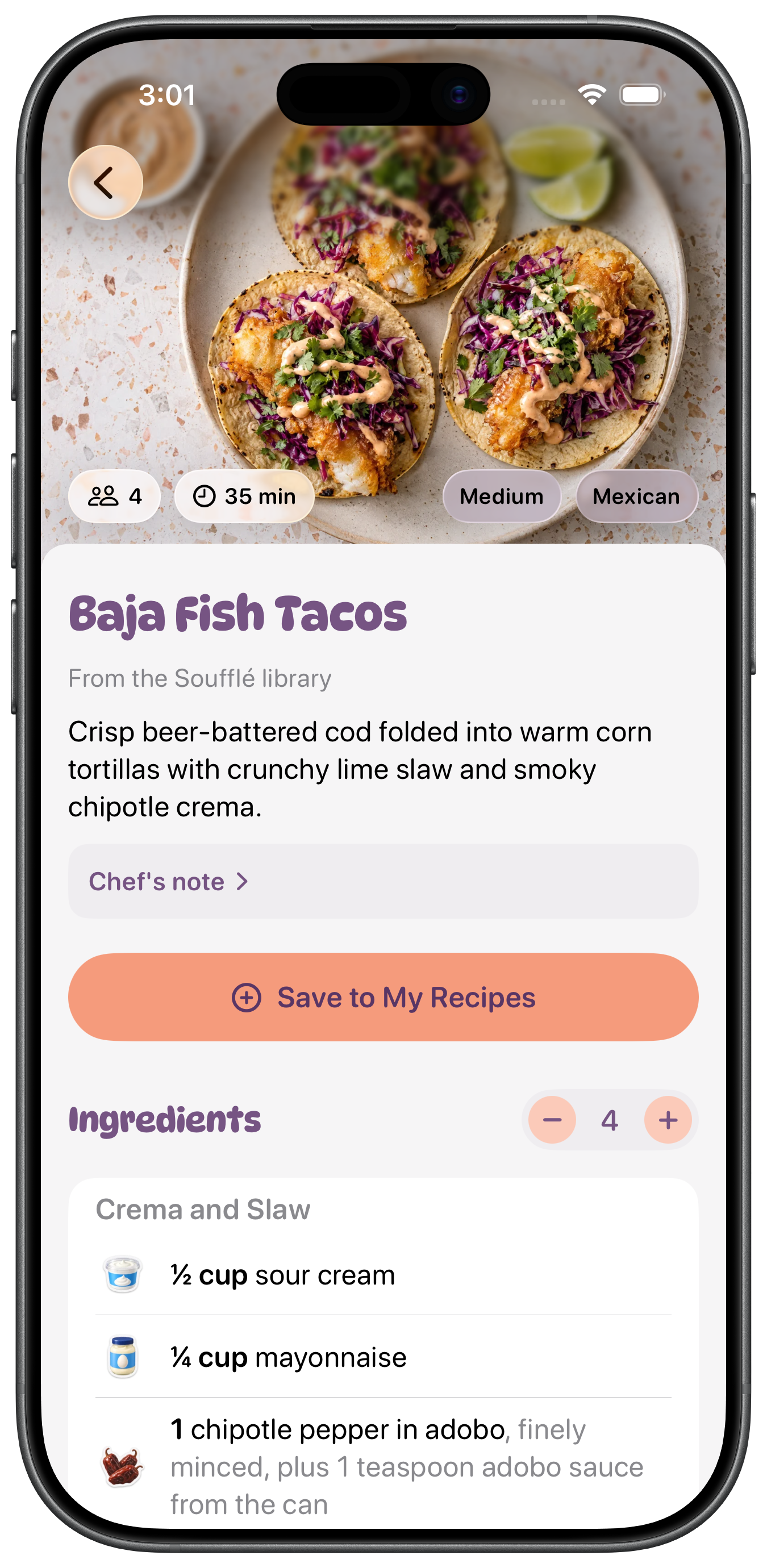


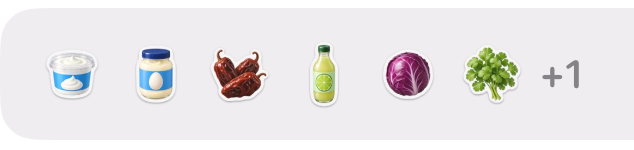
Keep recipes from supported links, social posts or photos beside the Soufflé library. Review each import before saving, then find the ingredients and steps together whenever you’re ready to cook.
Pre-order on the App Store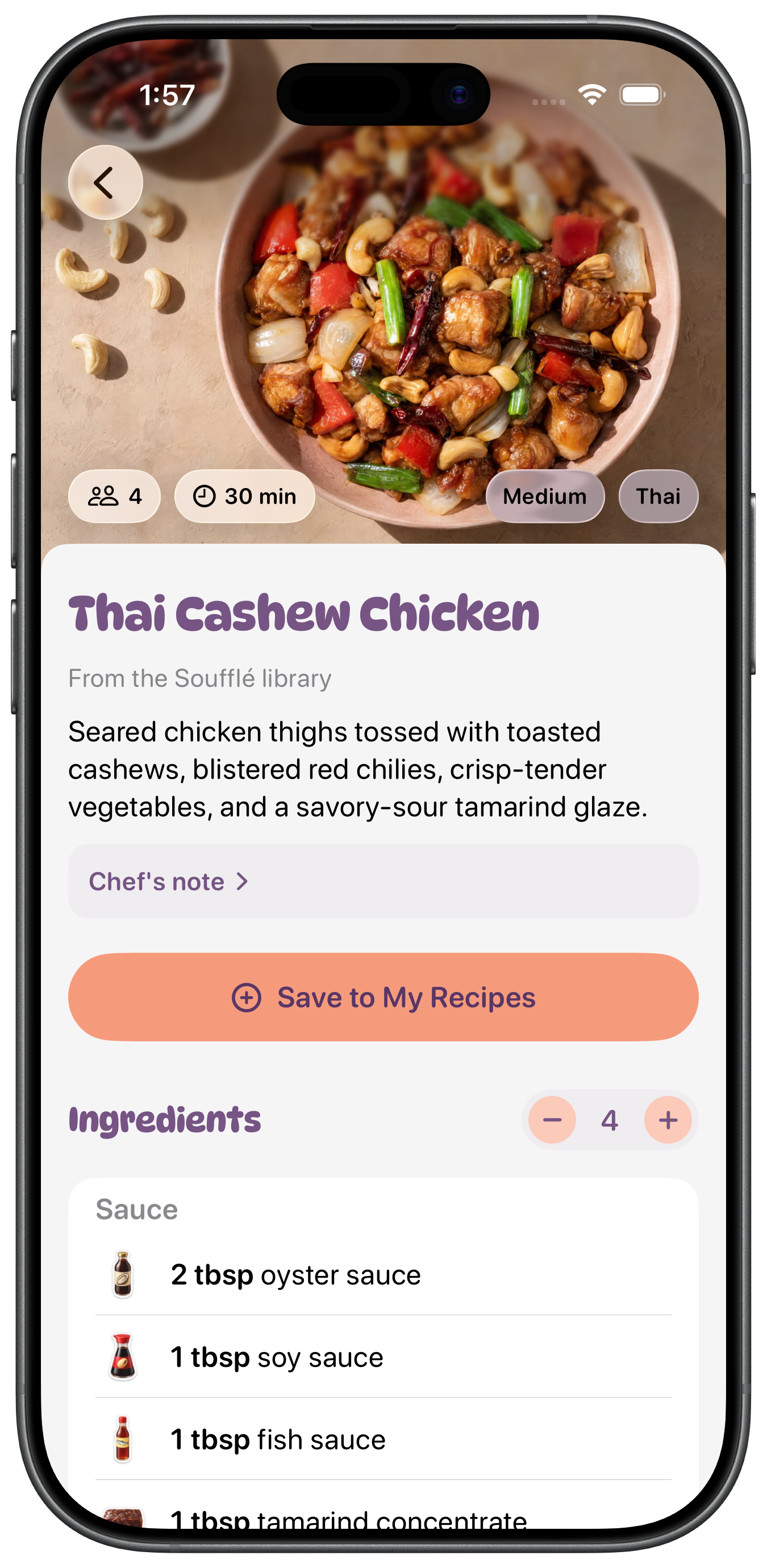





Keep a few meals ready to choose from. Add one to tonight’s or this week’s plan and keep the rest for later.
Pre-order on the App StorePick a recipe and see what you have. Add what’s missing to your grocery list in one tap.
Pre-order on the App Store In pantry


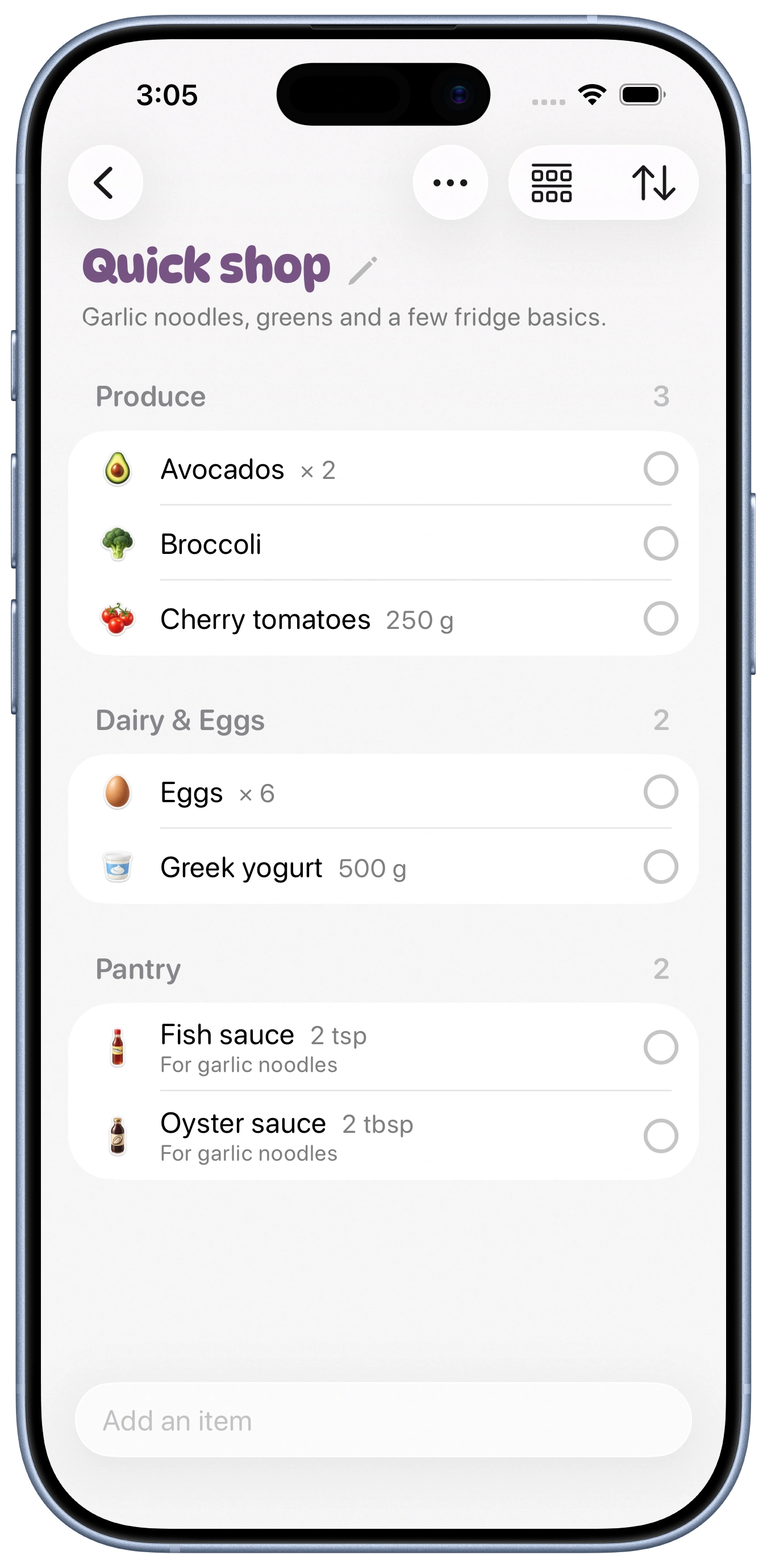
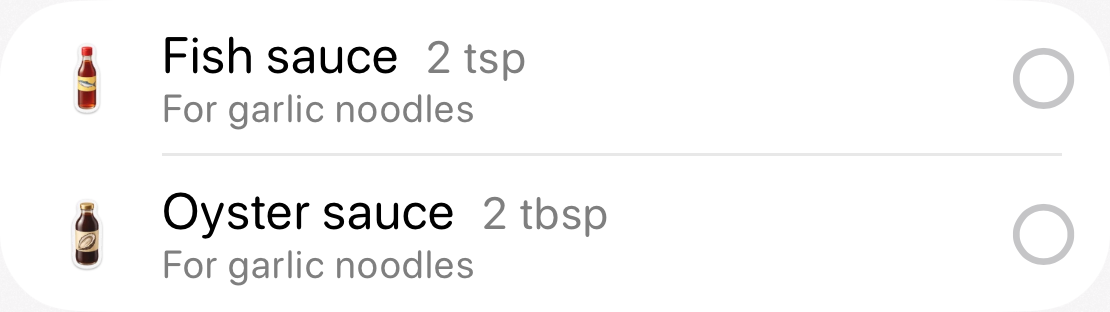
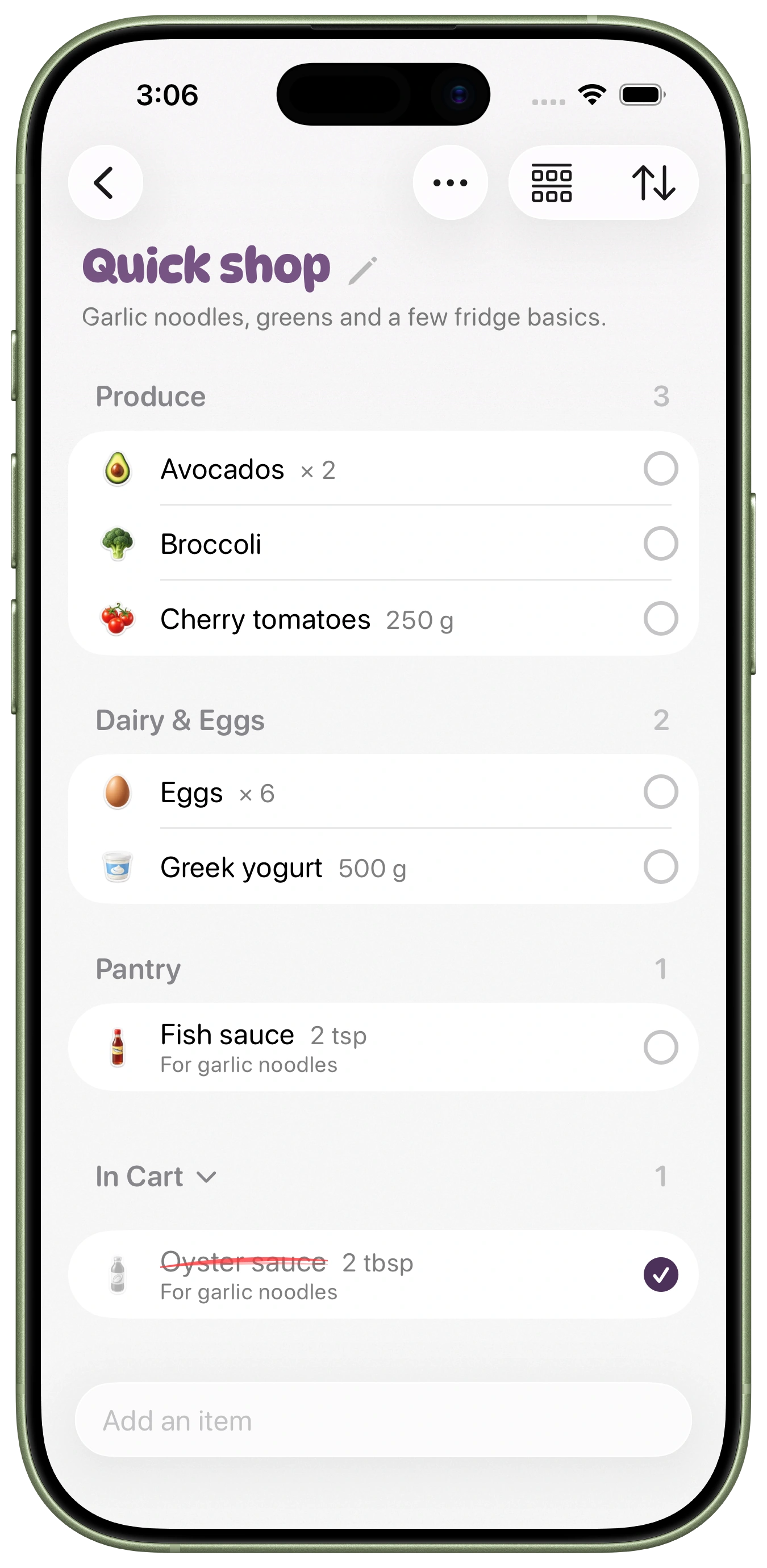

See what’s still needed, even when you shop separately. Add or check off an item, and everyone’s list updates.
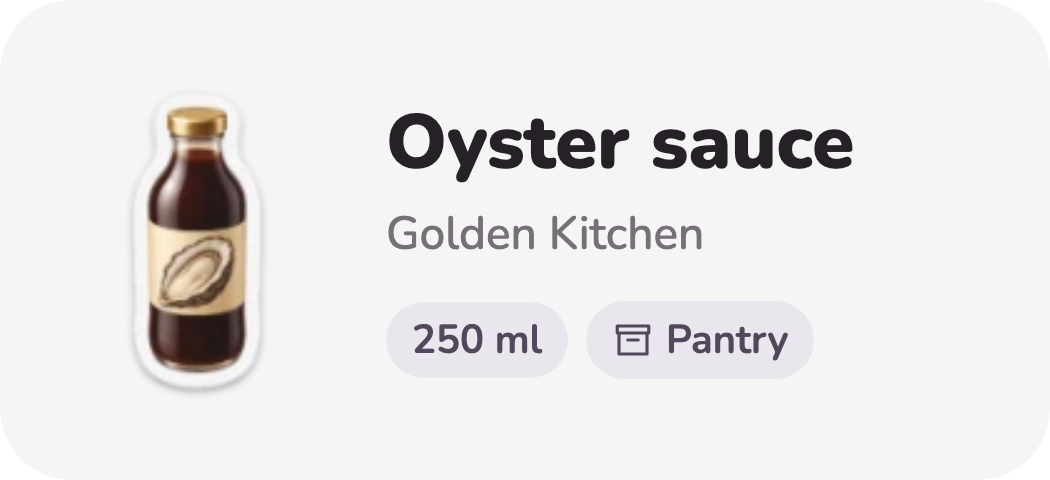
Pre-order on the App StoreScan a barcode or snap a photo, and let Soufflé handle the details. Review and save to keep your pantry up to date.
Pre-order on the App Store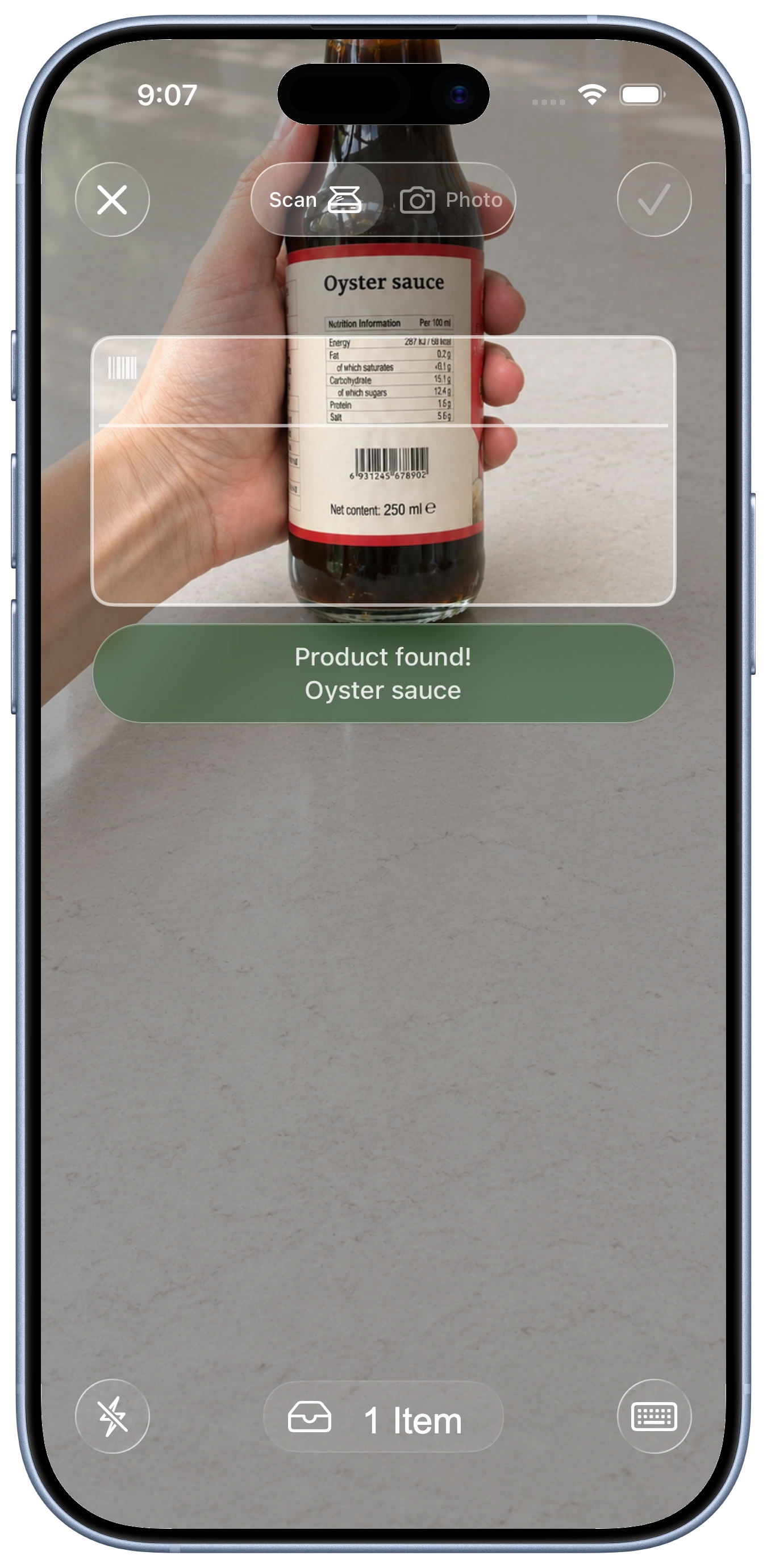
Keep each step’s ingredients and timings in view, with voice help when you need a hand.
Pre-order on the App StoreWhisk the oyster sauce, soy sauce, fish sauce, sesame oil, and brown sugar in a small bowl until the sugar dissolves.
Oyster sauce2 tbspSoy sauce1 tbspFish sauce2 tspSesame oil1 tspBrown sugar1 tspFind something new to cook in the Soufflé library, with over 1,000 recipes to choose from. Pick a favorite and add it to your next meal plan.
Cherry tomatoes, basil & Parmesan
Golden edges, butter & maple syrup
Crisp romaine, Parmesan & garlic croutons
You can pre-order Soufflé on the App Store now. It will download automatically on launch day if automatic downloads are enabled on your iPhone.
Yes. One household subscription covers up to four people. Everyone shares the same pantry, recipes, meal plans and grocery lists, so you can plan dinner and shop together from separate devices. Changes stay in sync across your household, helping everyone see what you have, what you’re cooking and what still needs buying.
Soufflé helps you keep your pantry up to date without entering everything by hand. Scan a barcode to search millions of packaged products, or take a photo of food that doesn’t have one. Review the details, then save it to your pantry.
When you mark a recipe as cooked, you can review the ingredients you used and let Soufflé update their quantities. It still needs to know when you’ve cooked something or used an item, so changes you haven’t recorded won’t appear automatically.
Yes. Import a recipe from a supported link or a photo, and Soufflé brings its ingredients and instructions together in one place. Review the draft, make any corrections, then save it to your recipes. Support varies by source, and some recipes may need a little cleanup before they’re ready to cook.
No. You can pick something for tonight, keep a few ideas in Up next or assign meals to particular days. Plan as much or as little as you like, and change things when your week changes. Everyone in your household can see the shared plan.
Yes. Much of Soufflé works offline, including viewing recipes already saved on your device and checking off or editing grocery items. Your changes sync with your household when you reconnect, and you’ll receive their latest changes then too.
Some features need an internet connection, including importing new recipes, looking up scanned products and processing AI requests.
Yes. Soufflé can compare your saved recipes with the pantry you’ve recorded and help you find something to cook, including ways to use food that needs using soon. It can also offer generated meal ideas when your saved recipes don’t fit. Keeping your pantry up to date makes those suggestions more useful.
At launch, eligible subscribers can try the annual household plan free for 14 days. Pre-ordering the app doesn’t start your trial. Before subscribing, you’ll see the price, renewal terms and when your first payment would be due. The subscription becomes paid after the trial unless you cancel before it ends.
We use your information to run Soufflé and keep your kitchen in sync. Your household’s pantry, recipes, meal plans and lists are shared with its members. We don’t sell your information or use it for targeted advertising.
You can delete your account in the app. Our privacy policy explains what we collect, which services help process it and what happens to shared household content when you delete your account.
AI helps Soufflé identify food in photos and read ingredients from imported recipes. We then look up allergen and dietary information in our food and product catalog and compare it with your household’s preferences. If we can’t confirm a match or the catalog information hasn’t been checked, it stays marked as unverified.
Relevant recipe or photo content may be sent to an AI service provider for processing. We don’t attach your account name or contact details to those requests. You can review imported recipes and scan results before saving them, and you should always check product labels for allergens.
Something else?Contact us
Turn the recipes you save into meals you actually make. Pre-order Soufflé and have it ready on your iPhone on launch day.

14 days free at launch on eligible annual plans. Terms apply.


